
The receipt you never open
Your phone buzzes twice while you're paying for a coffee. You know what it is before you look, so you don't look — it's the bank, telling you "Payment of $4.75 approved at Blue Bottle Coffee," and you already know that, because you just paid it. You clear the notification and go back to your day. That's the last time anyone, including you, will remember this transaction with any precision.
Multiply that by every card tap, every subscription renewal, every "just this once" delivery order for the rest of the month, and by the time the statement lands you're staring at a wall of numbers trying to reconstruct a month you were fully present for. Not because you weren't paying attention — because the record already existed, and you swiped it away.
You've had a transaction log this whole time
Most banks send an automated email for card activity — a purchase, a subscription charge, an ATM withdrawal, sometimes a running balance. It isn't a monthly summary; it's a receipt, timestamped to the minute, sitting in your inbox the moment the charge clears. Read enough of them back to back and they form something close to a full ledger: merchant, amount, date, sometimes even a category — everything a budgeting app asks you to type in by hand, already written down, already sent, already yours.
The data was never missing. It just arrives one email at a time, in a format built for a human to glance at and forget, not for anyone to actually use.
The setting most people never turn on
Here's the part that trips people up: plenty of banks don't email you for every purchase by default. The alert exists, but it's switched off, or it only fires above a threshold — say, purchases over $100 — or it only covers one card out of three. Which means the real first step toward automatic tracking isn't inside a finance app at all. It's inside your banking app's notification settings, a screen almost nobody opens on purpose.
It's worth the five minutes. Here's roughly what to look for, regardless of which bank you use:
- Open your bank's app or online banking portal and find Settings → Notifications (sometimes labeled "Alerts" or "e-Statements").
- Look for an option like "Email me for every transaction" or "Transaction notifications" — not just "large transaction alerts" or "low balance alerts."
- Turn it on for every card and account you actually use day to day, not only your primary one.
- Confirm the email address on file is the one you actually check — a stale address quietly defeats the entire point.
- If your bank only offers a dollar threshold, set it as low as it allows. A $1 threshold beats a $200 one.
Tip: Choose "every transaction," not just "transactions over $X" — the $6 charges are exactly the ones you forget, and they're the ones that quietly add up.
What linking your email actually does
Once those emails are actually arriving, they're just sitting in your inbox doing nothing — until you connect that inbox to something that reads them for you. That's what Linked Email does in Moneux: you connect your Gmail account once, tell it which senders to trust — your bank, your card issuer — and from then on, Moneux watches for new transaction emails from those senders the moment they land.
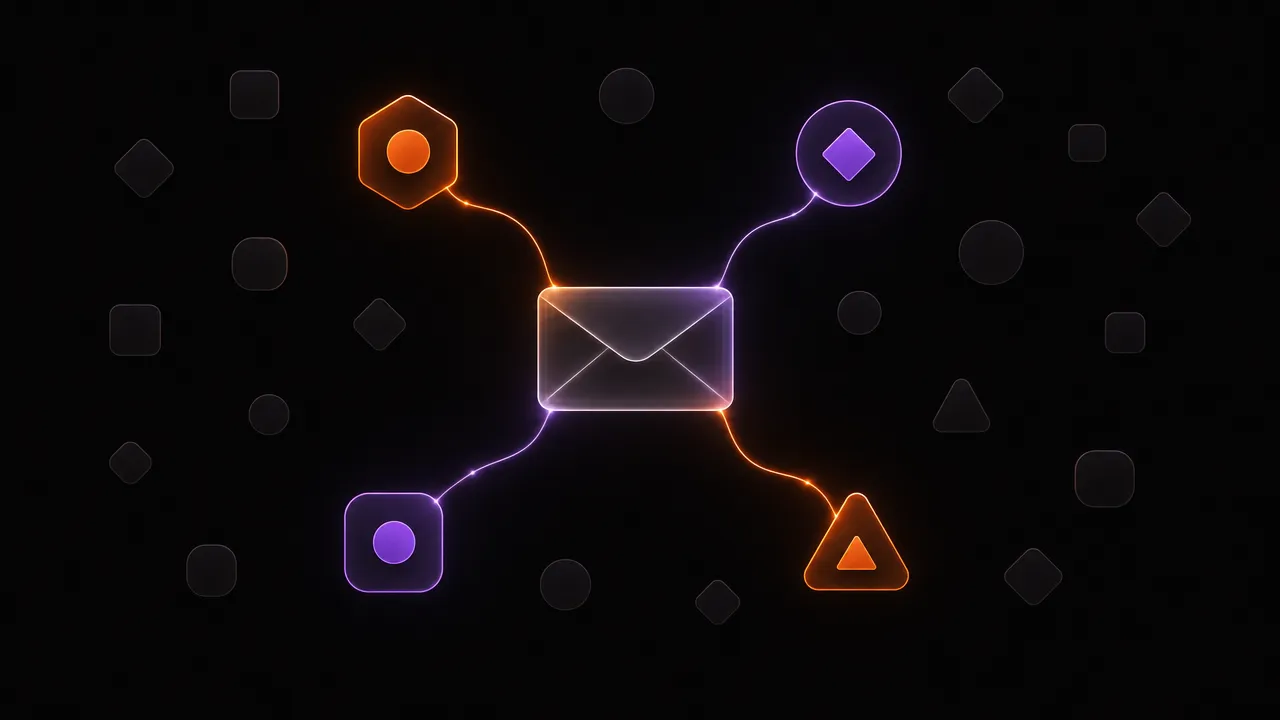
It isn't scanning your whole inbox. Only mail from senders you've explicitly approved gets read, and only for the transaction details inside — merchant, amount, date. Nothing else in your inbox is touched.
From inbox to ledger, without you typing anything
When a transaction email arrives, it gets parsed automatically — merchant name, amount, and date pulled out and turned into an entry, categorized the same way any other expense in Moneux would be. You don't retype a coffee purchase from memory three days later and get the amount slightly wrong. You don't forget the $9.99 charge that never felt worth remembering. The record exists at the moment the receipt does, not whenever you next feel like sitting down with a statement.
- A bank sends the transaction email → Moneux picks it up within its usual sync window.
- The merchant, amount, and date are extracted and matched to a category automatically.
- It shows up in your spending history the same day, not at month's end.
- You can still edit or delete anything that got picked up wrong — it's a head start, not a black box.
Is it actually safe to connect?
A fair question, given it's your inbox. Moneux connects to Gmail through Google's own sign-in, not by asking for your password — it never sees your bank login, and it can't move money or take any action on your accounts. You choose exactly which senders it's allowed to read, and disconnecting takes one tap; anything already imported stays, but nothing new gets pulled in after that.

What changes once it's running
The shift isn't dramatic on any single day. It shows up a month in, when you open your spending screen expecting the usual gaps and there aren't any — the $4.75 coffee is there, the subscription renewal you'd forgotten about is there, the one-off delivery order from a Tuesday you barely remember is there. You stop reconstructing your month from memory and start just looking at what actually happened. The anxious end-of-month math disappears, not because you got better at tracking, but because you stopped needing to.
How Moneux turns those emails into your ledger
Moneux's Linked Email connects to your inbox once, watches for transaction alerts from senders you trust, and turns each one into a categorized entry automatically — so the record your bank was already sending you finally goes somewhere.
Let your inbox do the logging
Turn on transaction alerts at your bank, link your email once in Moneux, and every purchase writes itself into your spending history — no typing, no forgetting.